How do I log in to Aflote?
Whether you're returning to Aflote or signing in for the first time in a while, getting back into your account is simple. This guide will walk you through how to log back into your existing account using the same method you originally signed up with.
To get started, select Sign in at the top of aflote.com.

Then, select your preferred sign-in method below to jump directly to its step-by-step instructions further down this article:
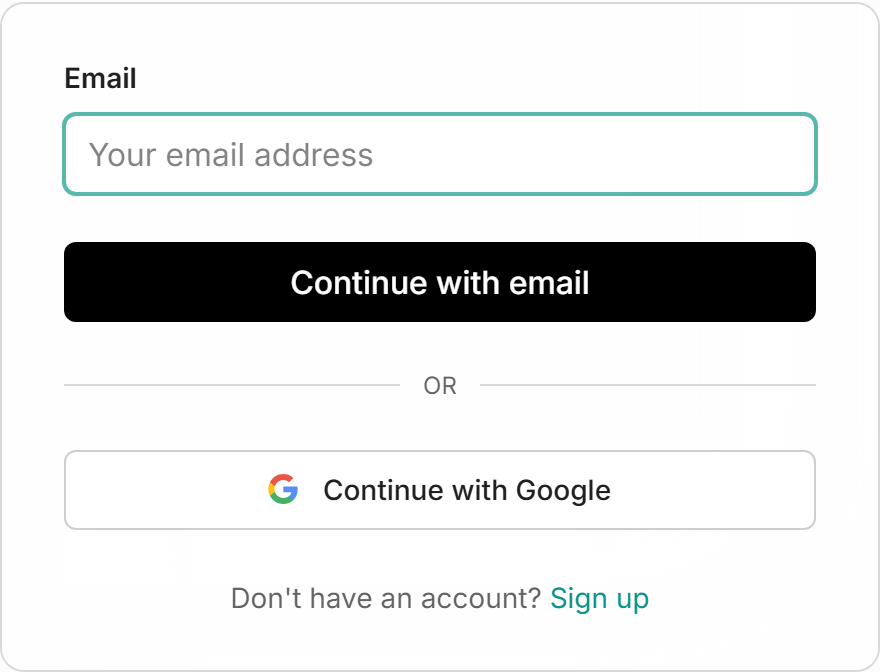
Continue with Google
Select Continue with Google and pick the Google account that uses the email address you signed up with. You go straight in, with no password to type.
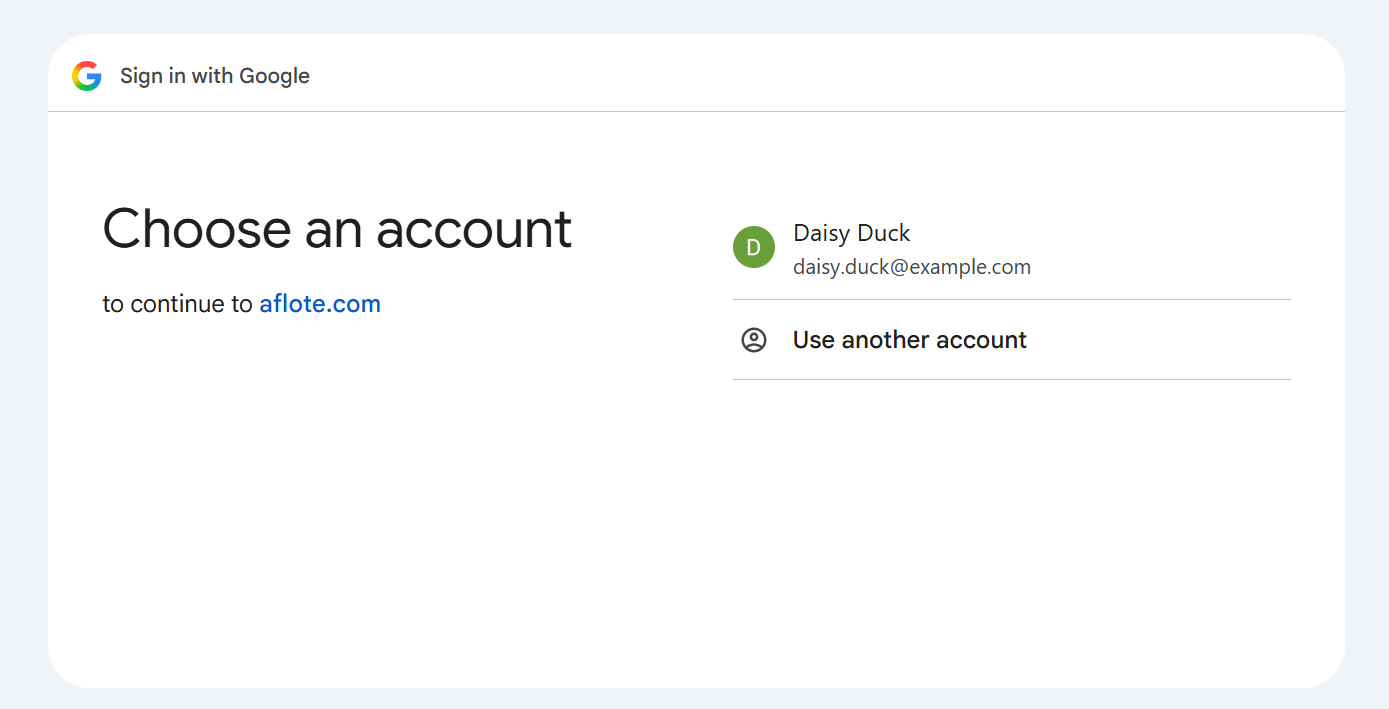
Where you land
You arrive on your dashboard. If you selected Sign in from a Flote's page, you go back to that Flote instead.
Continue with your email address
Type your email address, select Continue with email, then enter your password.
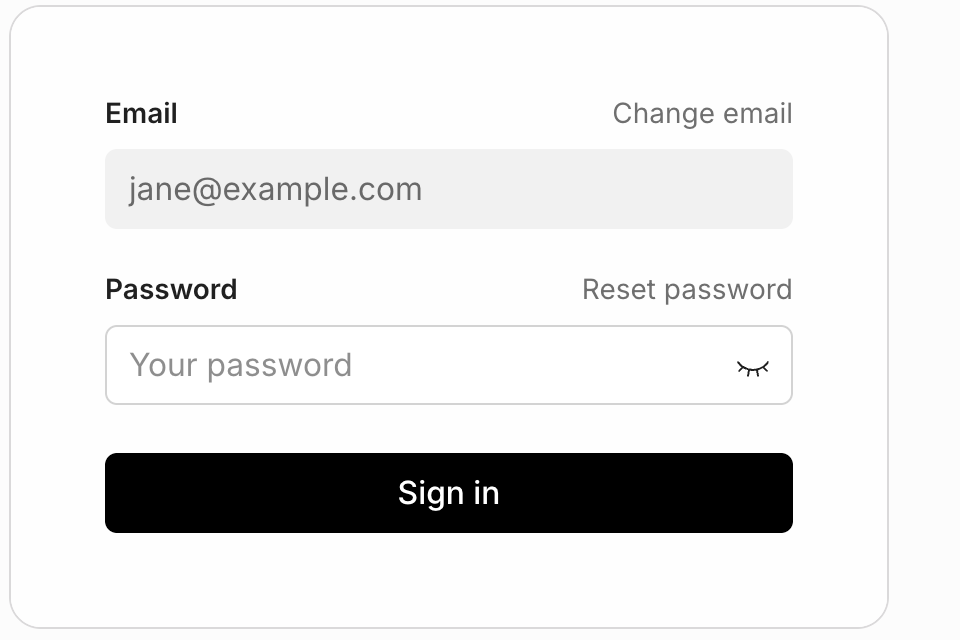
If you cannot remember the password, see How do I update my password?.
Where you land
You arrive on your dashboard. If you selected Sign in from a Flote's page, you go back to that Flote instead.
If you have not made an account yet
See How to create your account. It takes around a minute to create an account, and it's free.
You may not need one at all. On a public Flote you can sign up to help, request a visit, and send a message without an account. See Do I need an account to help? for further clarification on whether you need to make an account.
Related articles
Was this article helpful?