What is a Flote?
Someone shared a Flote with you, which means they want you close.
When someone gets sick, the offers to help arrive in waves, and managing them becomes its own exhausting job. A Flote replaces that overwhelm with one shared place where the whole circle can see what is needed and sign up to help.
Think of it like the website a friend sends you before their wedding. One page with everything on it, so you can see what is happening and pick your part. This is the same idea, for a much harder moment.
What is on it
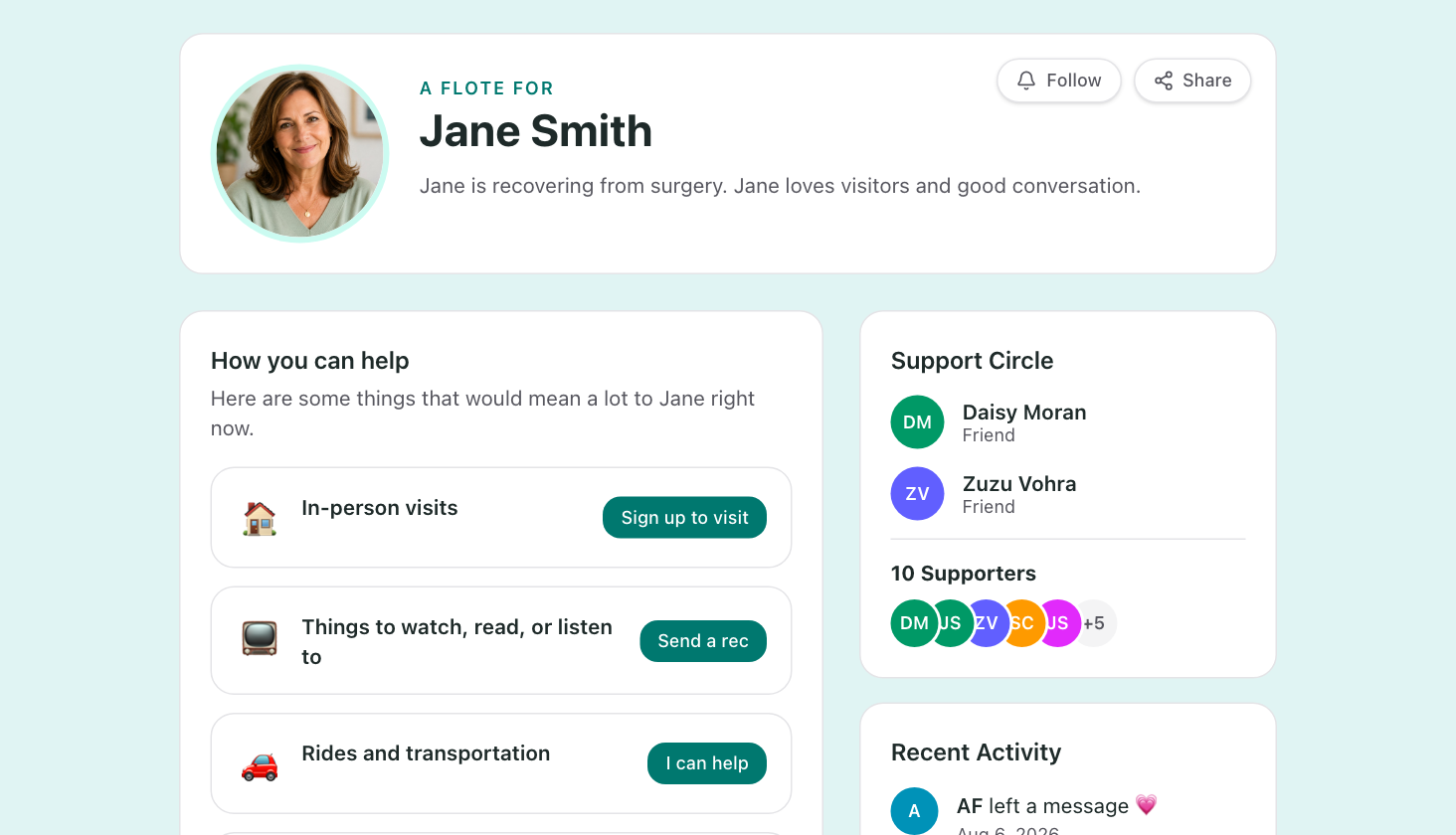
The family chooses what to show, so no two look alike. Most Flotes have:
- The person it is for, with a line about how they are doing right now
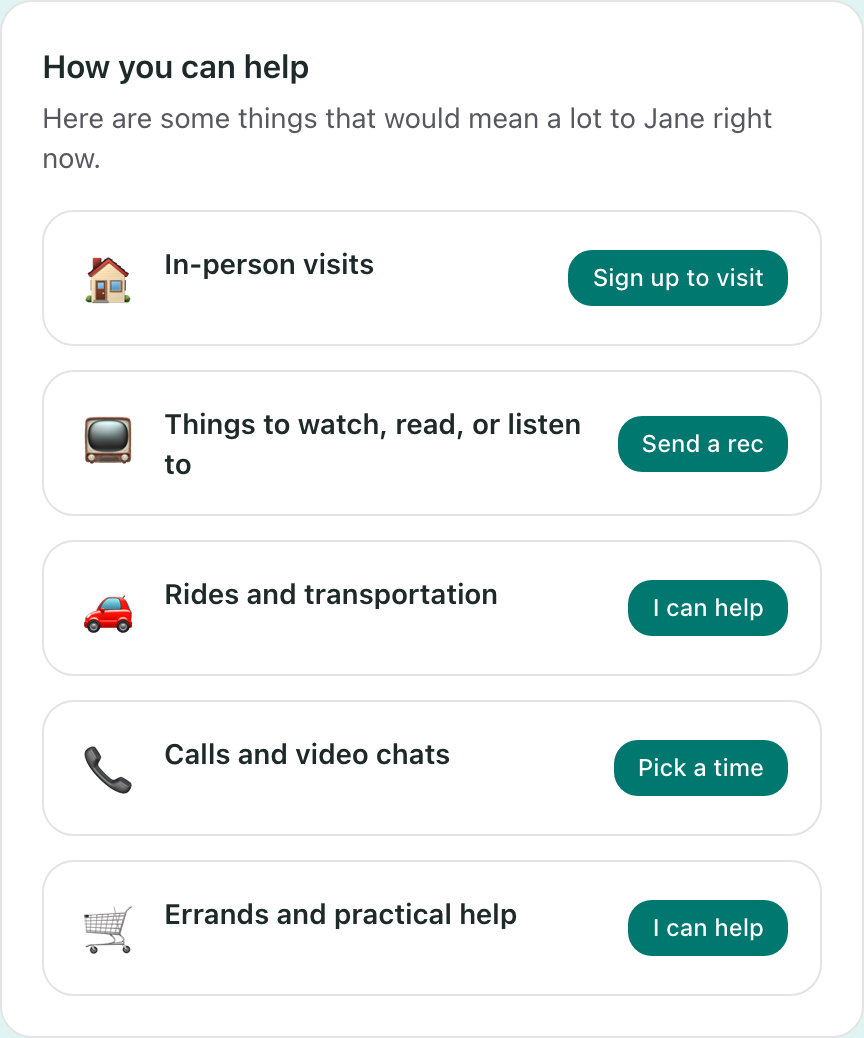
- How you can help, with the specific things they need
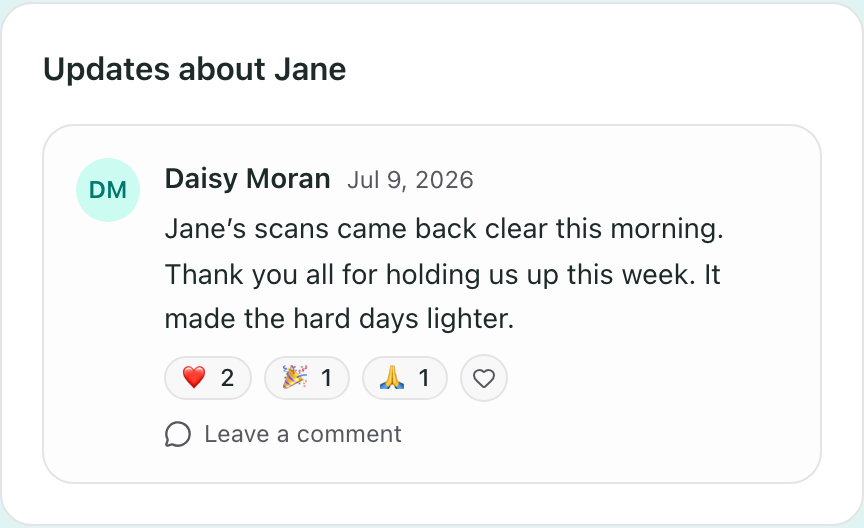
- Updates from the family, which you can react to and comment on
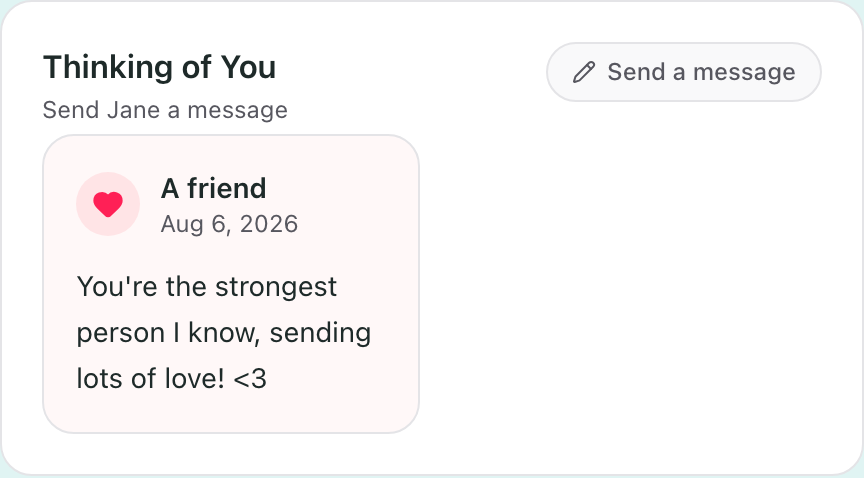
- A way to send a message, even if you cannot do anything practical
- The support circle, so you can see who else is here
There is usually a running list of recent activity too, so you can see the page is alive and other people are showing up.
The three things you can do
Sign up for something. Each kind of help has its own button: sign up to visit, pick a time to call, or say you can take an errand.
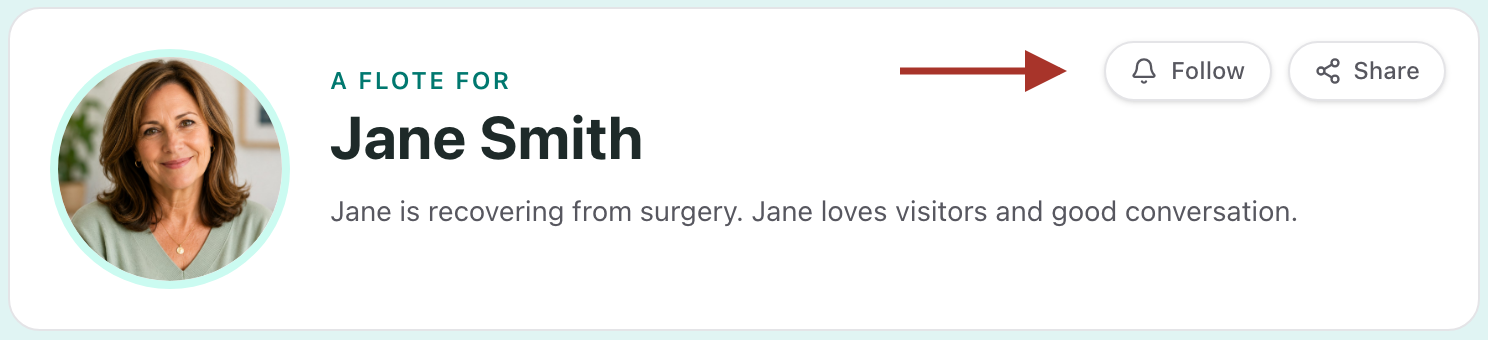
Follow, so you stay up to date. There is a Follow button at the top. Once you follow, you get the latest on how they are doing, you know what would be most helpful, and you can send a note. Updates come by email, so you do not have to keep checking back.
Send a message. The Thinking of You section takes a note straight to the family. It is there for the days you cannot do anything practical but want them to know you are thinking of them.
You can do one of these, or all three. Following does not commit you to anything.
Do I need an account?
It depends how the family set it up, and you will know within a click.
If the Flote is public, you can read it and sign up for something without creating an account. Signing up asks for your name, your email, and how you know the family. A phone number and a message are optional.
If the Flote is private, you will see a short page saying so, with a button to request access. That button asks you to sign in or create an account first. It is free, it takes about a minute, and you land back on the request afterwards.
Most families choose private, so this is common.
After you sign up for something
The family sees what you claimed, and it shows on the page.
Some things can take more than one person, like a ride or help with the pets, so seeing a name there does not always mean it is covered.
A visit works a little differently, because it has a time attached:
- You pick a slot that works for you
- The family is notified, and they approve it
- You get a confirmation email with the details and a calendar invite
Approving is also what shares the full address, so until then you may see only the general area.
You can change your mind later. The confirmation email has a cancellation link in it, and cancelling is not a big deal.
Is this a fundraiser?
You are never required to give money. Most of what a Flote asks for is time and attention: a visit, a ride, an errand, a message.
Some families also add a way to give, like a fundraiser or a meal train. When they have, it shows as its own section, sitting alongside the other ways to help rather than replacing them. Giving is always one option among several, never the price of being on the page.
What Aflote is
Aflote is the company behind these pages. We help families facing a serious illness organize the help around them, so caregiving feels less overwhelming.
Creating and running a Flote is free.
Not sure where to start
Pick one thing.
One visit, one ride, one errand is worth more than a message saying "let me know if you need anything." The family put this page up so that saying yes would be easy, and taking one thing off the list is exactly what it is for.
Related articles
Was this article helpful?