How do I accept an invitation?
Someone wants you in their support circle. Here's how to accept the invitation, whichever way you got it. The steps depend on how you received it:
- You got an email invitation. An official email from Aflote, with a teal header and a subject like "Maria invited you to help James." It has your name, a specific role, and an expiration date attached.
- Someone sent you a link. A personal message from someone you know, by text, email, WhatsApp, or Facebook, with a plain link in it. It doesn't matter which app carried it.
If you got an email invitation
Open the email and select Accept invitation.
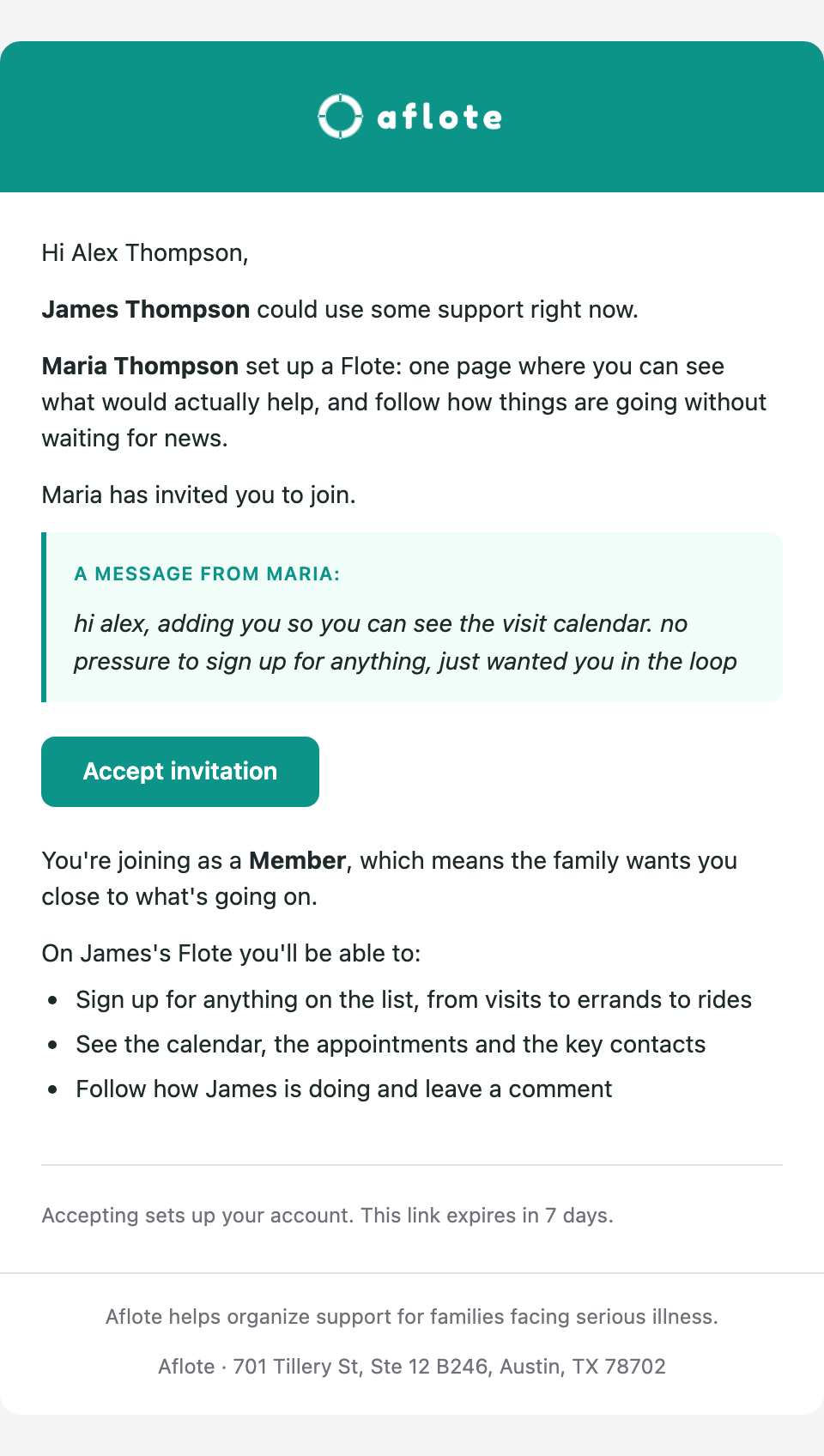
That takes you to a page confirming the details: your name, who invited you, the Flote, and your role.
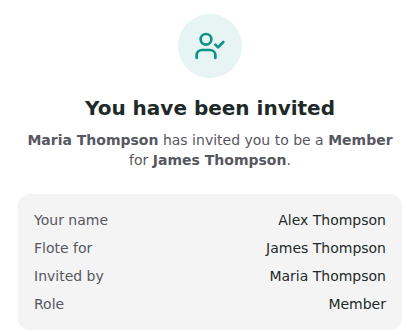
Important: The invitation expires after 7 days. If it has expired, ask whoever invited you to send a new one.
Check that those details look right. Add your phone number if you want to, it's optional, then select Accept Invitation.
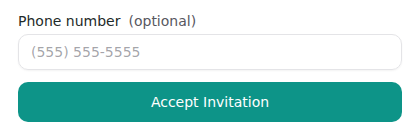
What happens next depends on whether you already have an account:
- New to Aflote? You'll be asked to create your account next. See How to create your account for those steps.
- Already have an account? You'll be asked to sign in, then be taken to the Flote page.
If someone sent you a link
Depending on how the family set up the Flote, opening the link takes you to one of three different screens. Find the one you're looking at below to know what happens next.
You land on the Flote itself
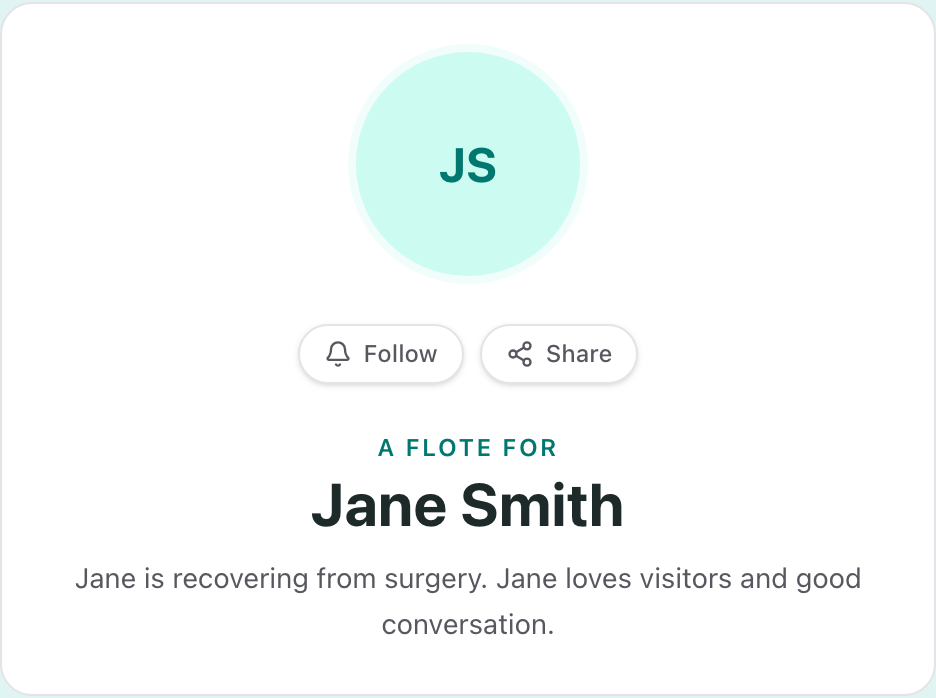
This Flote is public. You can already look around and start helping, no account needed yet. When you're ready to follow along, select Follow: if you're already signed in, that's it, and if not you'll create an account or sign in first.
You see "Welcome to [name]'s Flote"
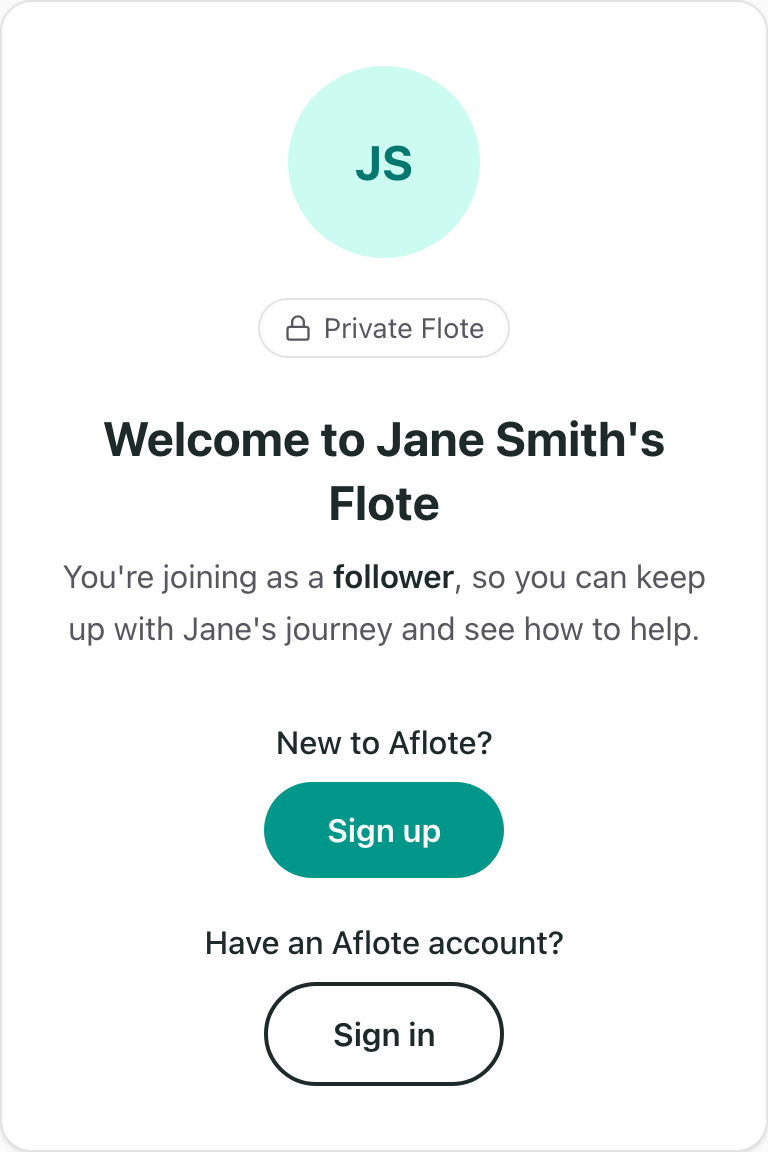
You already have pre-approved access. What happens next depends on whether you already have an account:
- New to Aflote? Select Sign up. See How to create your account for those steps.
- Already have an account? Select Sign in, and you're in right away.
You see "This Flote is private"
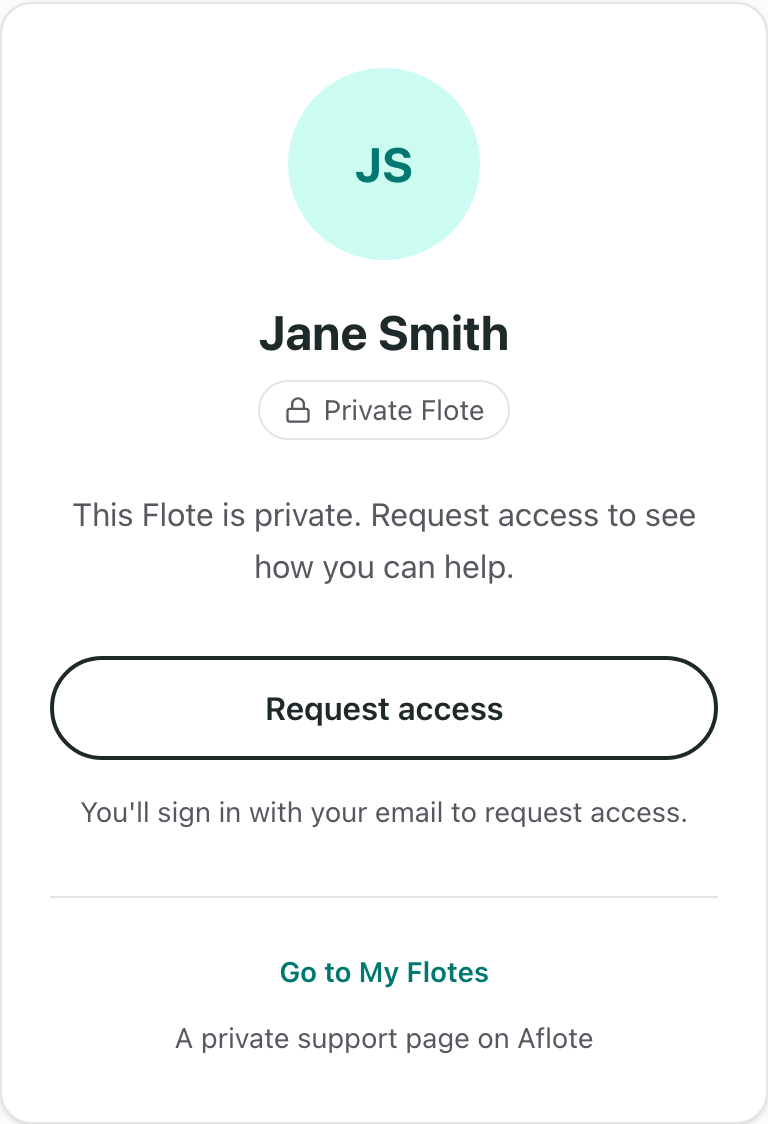
In this scenario, you'll need to request access to see the Flote. Select Request access, then sign in or create an account. New to Aflote? See How to create your account for those steps. You can add an optional message telling the family who you are.
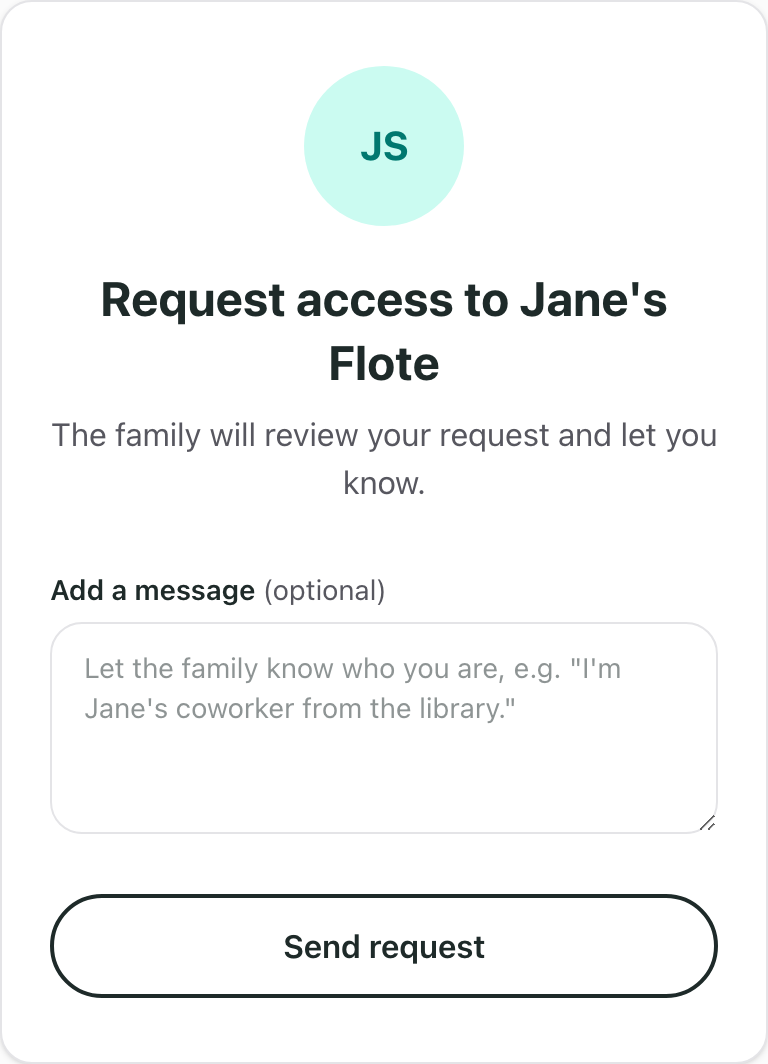
Select Send request. There's nothing else to do until the family approves you.
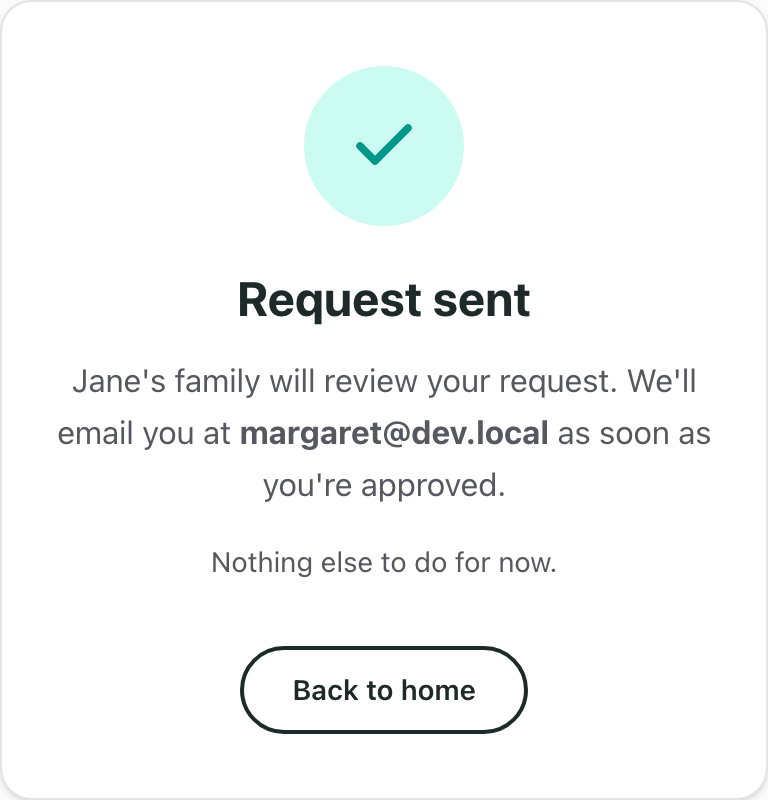
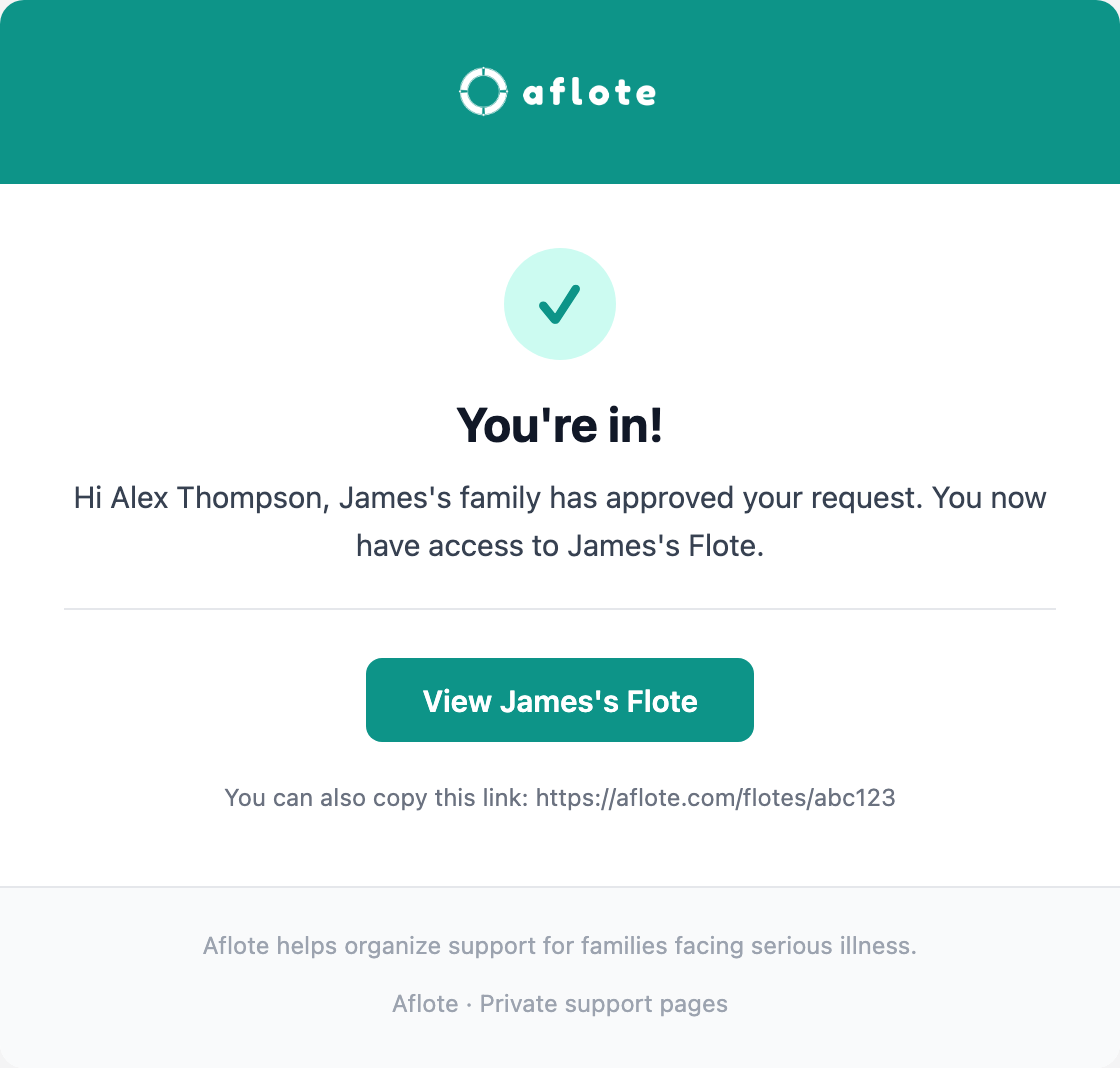
You'll get an email once they approve it, with a link straight to the Flote.
See Roles and permissions if you want to know what a follower can do, compared to a Member or Admin.
Related articles
Was this article helpful?