Add something you need help with
It is okay to ask for help. Most people who love you want to show up, and they are waiting to be told how. Adding specific needs to your Flote gives them a clear, practical way to do it. Choose as many as you like, add a little context to each one, and change them whenever things change.
You must be a Flote admin to open Ways to Help and change what you are asking for. Roles and permissions covers who that is on your Flote.
Choose what you need
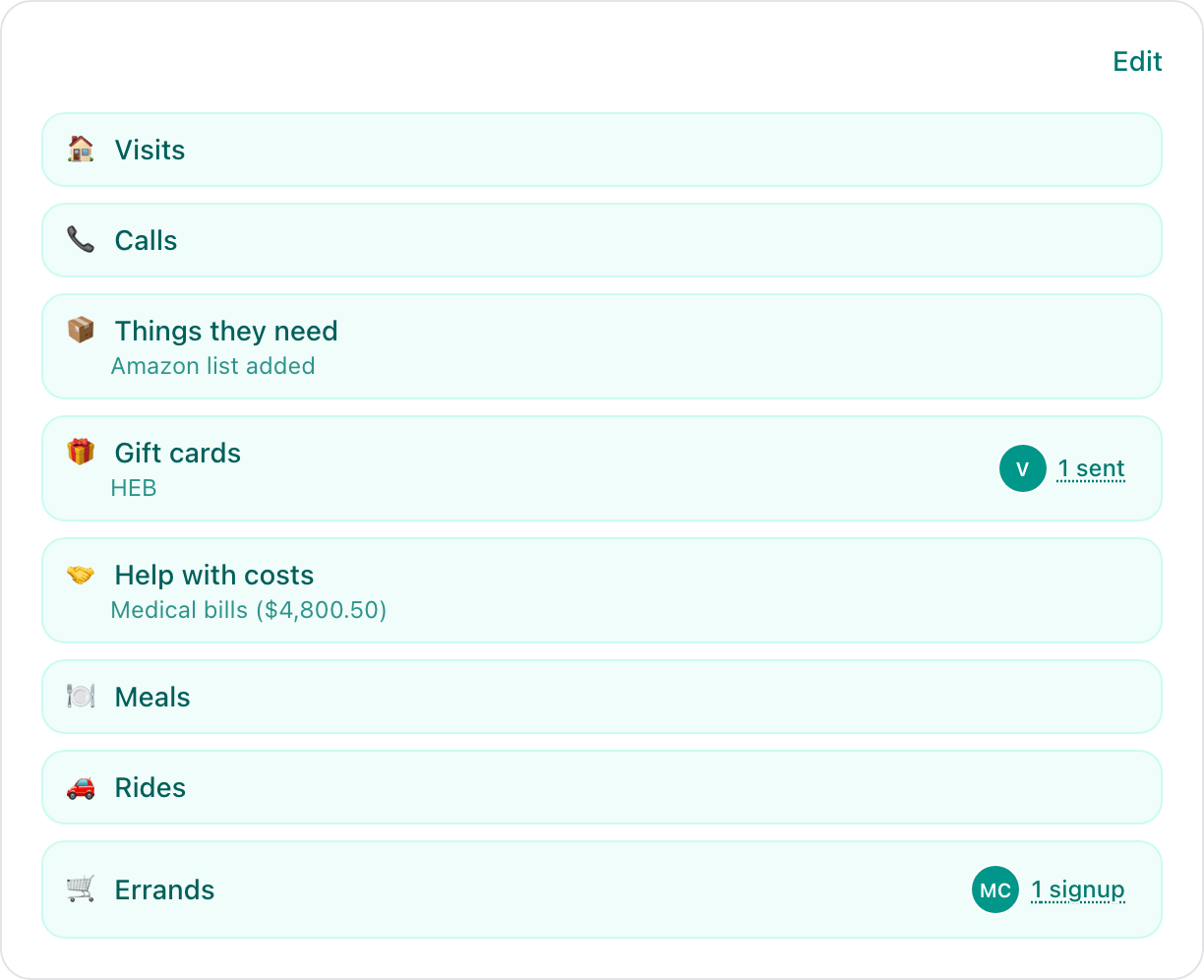
Open your Flote and select Ways to Help. If you have already chosen some, you see a summary of them. Select Edit to change what you are asking for. If you have not chosen any yet, the editor opens straight away.
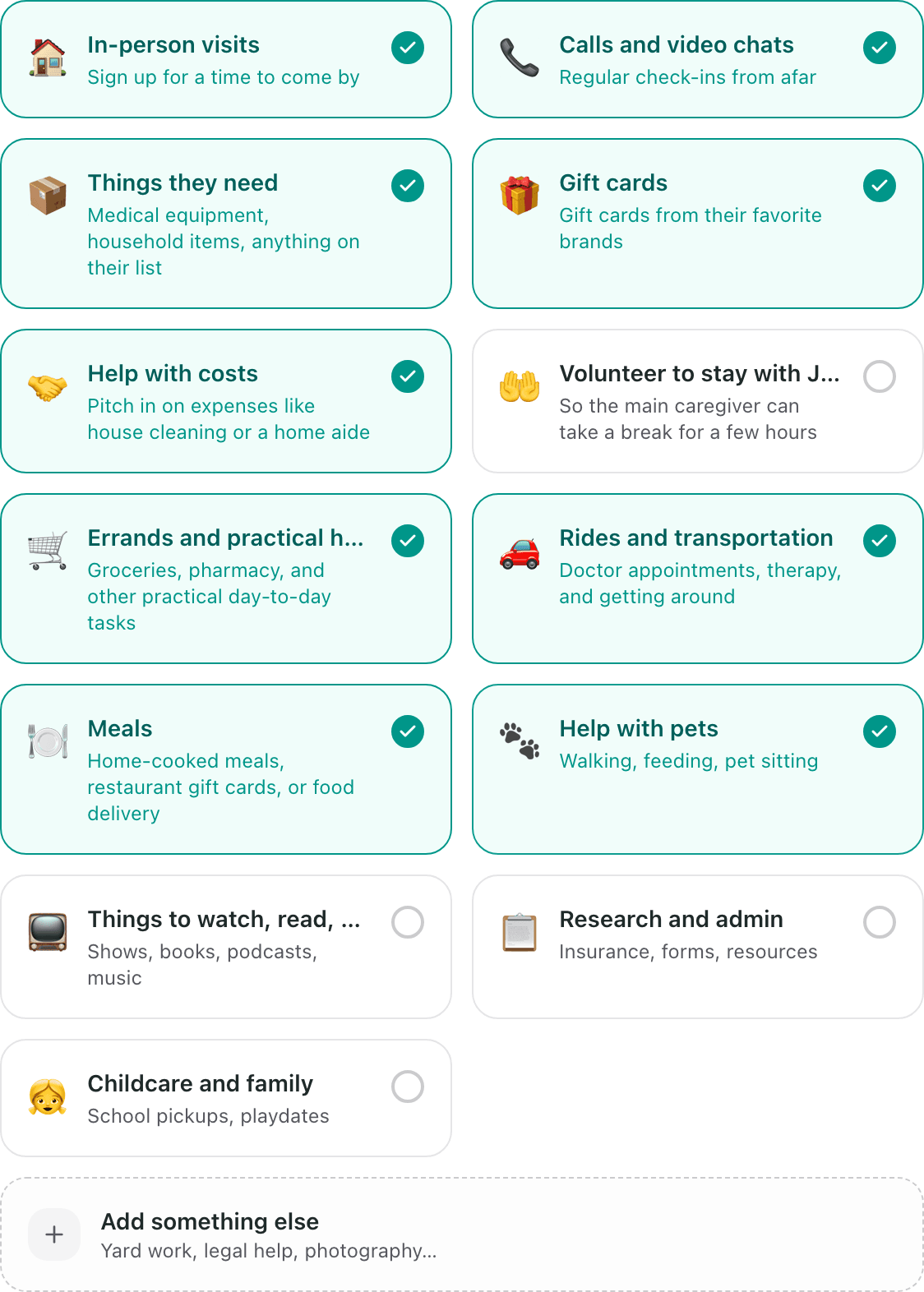
Under How can people help, select every card that fits:
- In-person visits
- Calls and video chats
- Things they need
- Gift cards
- Help with costs
- Volunteer to stay with the person the Flote is for, so the main caregiver can take a break
- Errands and practical help
- Rides and transportation
- Meals
- Help with pets
- Things to watch, read, or listen to
- Research and admin
- Childcare and family
A selected card has a teal outline and a check mark. Select it again to unselect it.
Some choices ask for a little more before you finish:
- In-person visits walks you through where visits happen and when people can come, which is Set when visitors can come.
- Things they need takes a link to your Amazon List, which is How to add an Amazon List to your Flote.
- Gift cards takes the brands you would like, which is How to ask for gift cards on your Flote.
- Help with costs takes one or more cash funds, which is How to ask for help with costs on your Flote.
Add your own request
If nothing on the list says what you need, select Add something else. Type the kind of help you need, such as yard work or legal help, then select Add. Select Cancel to close the field without adding anything.

Your request appears as its own selected card next to the others, and it gets the same optional note as everything else.
Add a note for each need
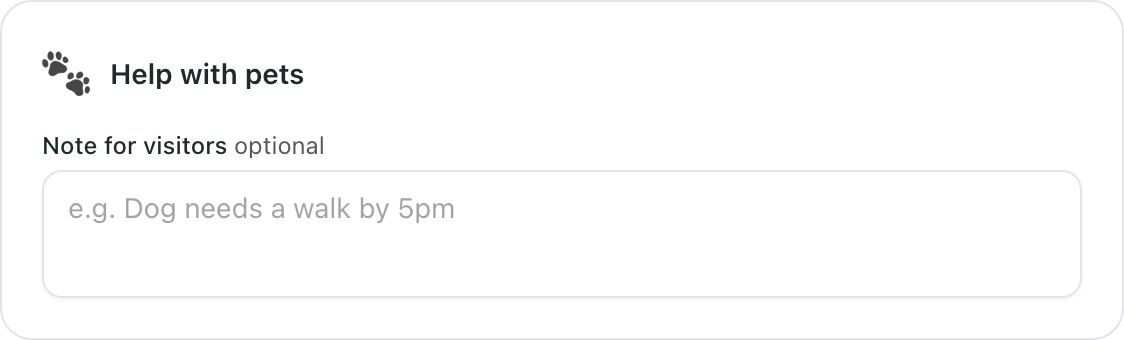
Under Add a note for each, every need you selected has a Note for visitors field. A note is optional, and it is often the thing that turns "I would love to help" into an actual plan. For a visit you might write "Afternoons work best, keep visits under an hour." For a dog, when the walk needs to happen.
When you are finished, select Save. A Saved confirmation appears and you are back at the summary. Come back and select Edit whenever you want to add, remove or reword something.
See who has signed up
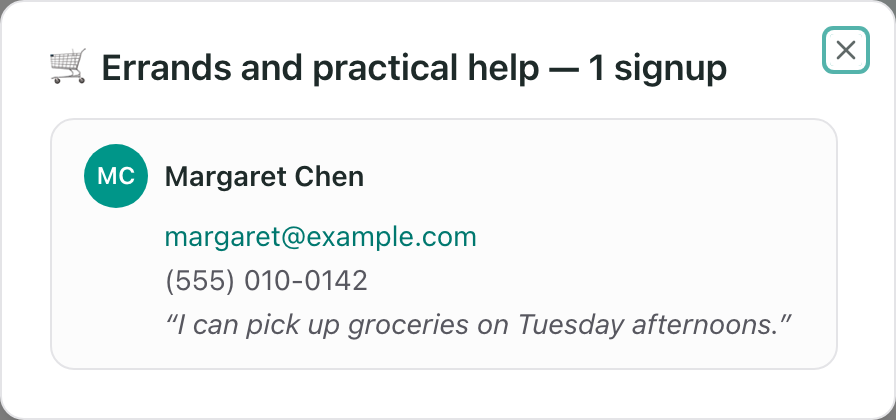
Your Ways to Help page and the Ways to Help card on your Flote dashboard both list every need by name. When somebody signs up for one, that row shows their initials and a count, such as 1 signup.

Select the count to see who it is. Each person's name and email address are there, along with their phone number and note if they left one.
A need nobody has signed up for yet shows no count. In-person visits and calls work differently. People book a time rather than signing up, so those show up as requests instead of a count, and How do I approve or decline a visit request? covers what to do with them.
Related articles
Was this article helpful?